Processing CVs
Simply can convert any candidate CV into a clean, professionally formatted commercial CV - ready to share with your clients. Here's how it works.
Uploading a CV
Head to the Resumes tab in the left sidebar to get started.
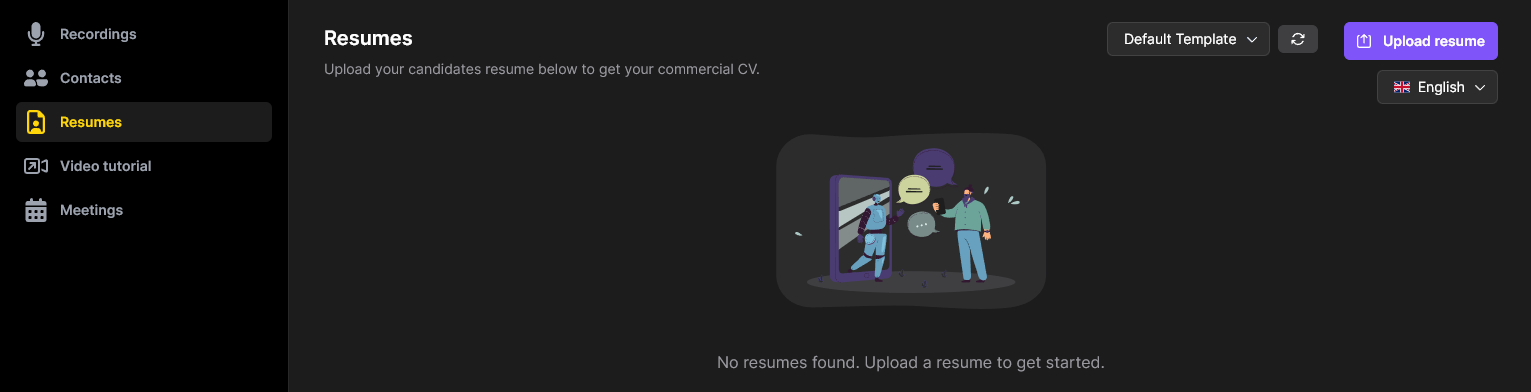
Before uploading, configure two settings in the top right:
- Output language - select the language you want the converted CV to be in (e.g. English, Dutch). Simply will translate if needed.
- Template - choose which CV template to use. First-time users start with the Default Template.
Once configured, click Upload resume and select a candidate's CV file.
Processing
After uploading, Simply will analyze the CV - extracting and restructuring the content into your chosen template. You'll see a progress indicator while it works.

This typically takes just a moment. Once complete, a download button will appear.
Downloading the result
When processing is finished, click the download button to get your converted CV as a Microsoft Word (.docx) file. The output is fully editable, so you can make any final adjustments before sharing it.

CV templates
Default Simply template
Every user starts with the standard Simply template - a clean, professional layout with Simply branding.
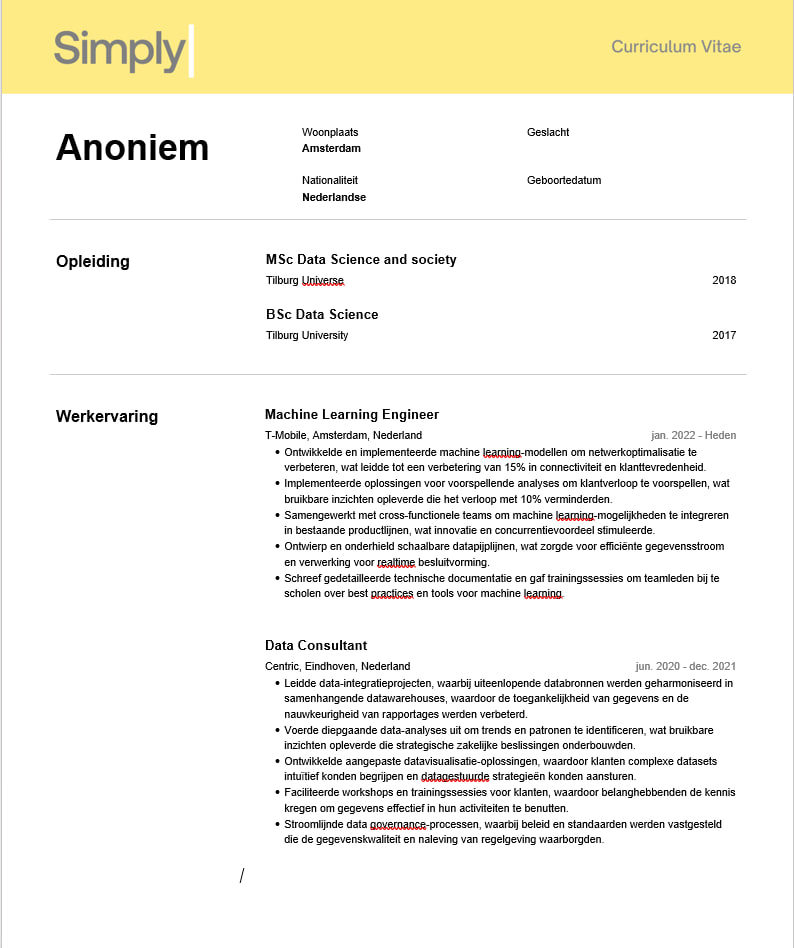
This is a great way to try out the feature and see what's possible.
Custom templates
Simply offers custom CV templates tailored to your organisation's branding and style:
- Free option - the default Simply template with your logo, colours, and branding applied
- Advanced option - a fully custom template designed to match your exact specifications, with pricing based on complexity
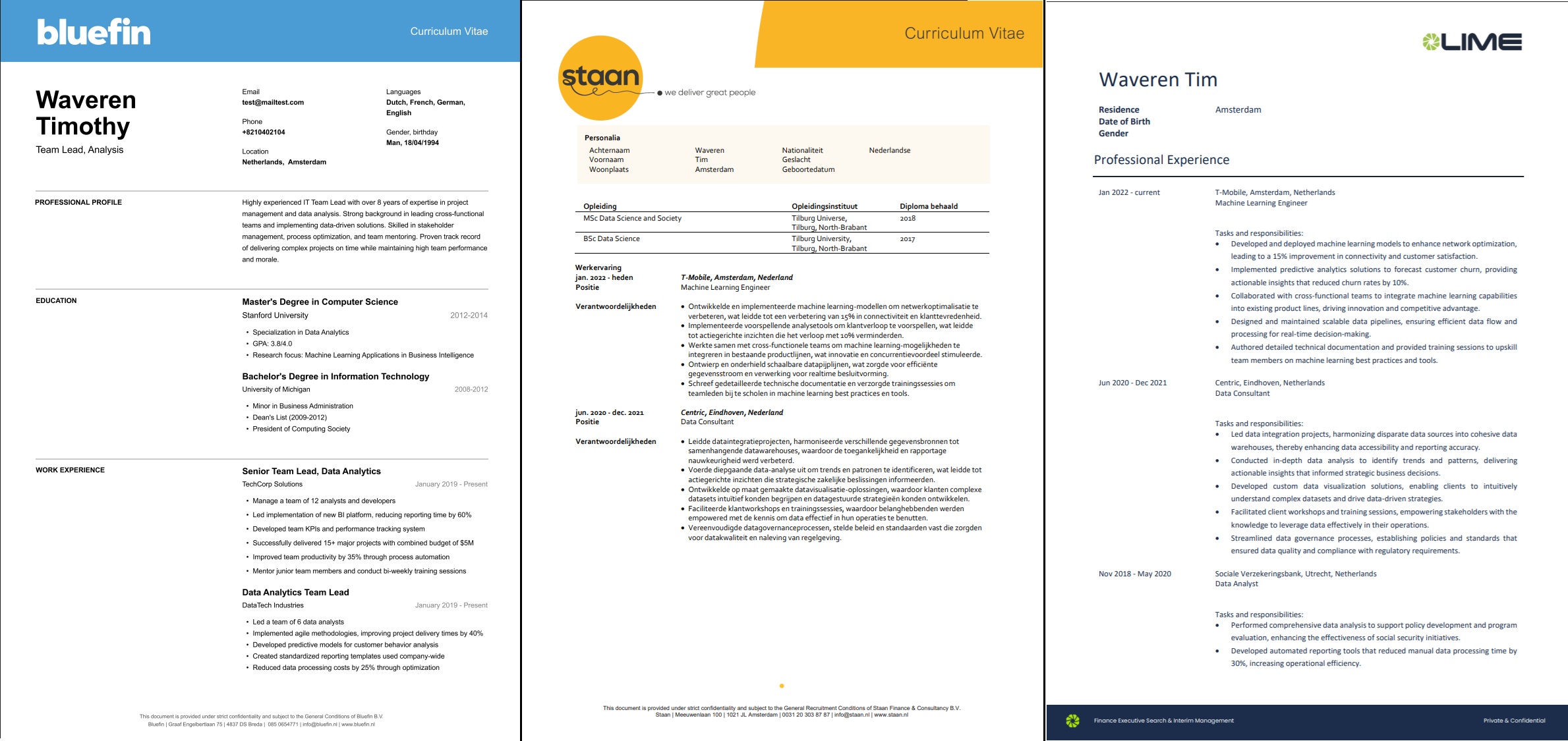
The example above shows three different custom templates (Bluefin, Staan, and LIME) - each with unique branding, layouts, and formatting styles. Your template can look however you need it to.
Interested in a custom CV template? Reach out to your Simply account manager or contact us to discuss the options.