Create your account
Getting started with Simply takes just a few minutes. Here's how to set up your account and start exploring the platform.
Sign up or log in
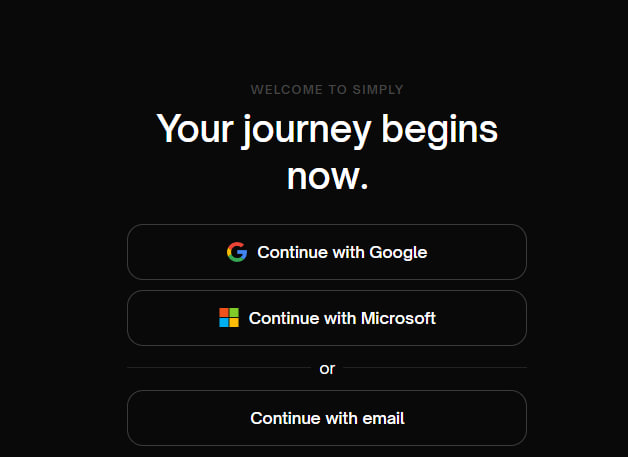
Navigate to app.simplyrecruit.ai to create a new account or log into an existing one.
Simply supports secure single sign-on (SSO) with Google and Microsoft - we recommend using one of these for a safer and smoother experience. You can also sign up with just an email address.
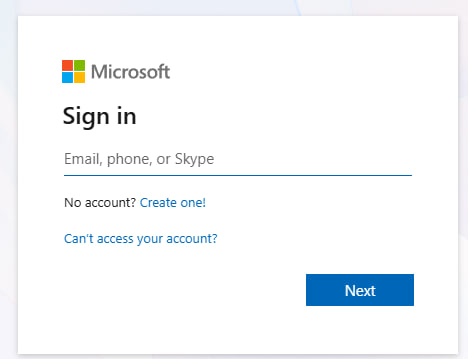
If you choose to sign in with Microsoft, you'll see the standard Microsoft authentication pop-up where you can enter your credentials.
Set up your organisation
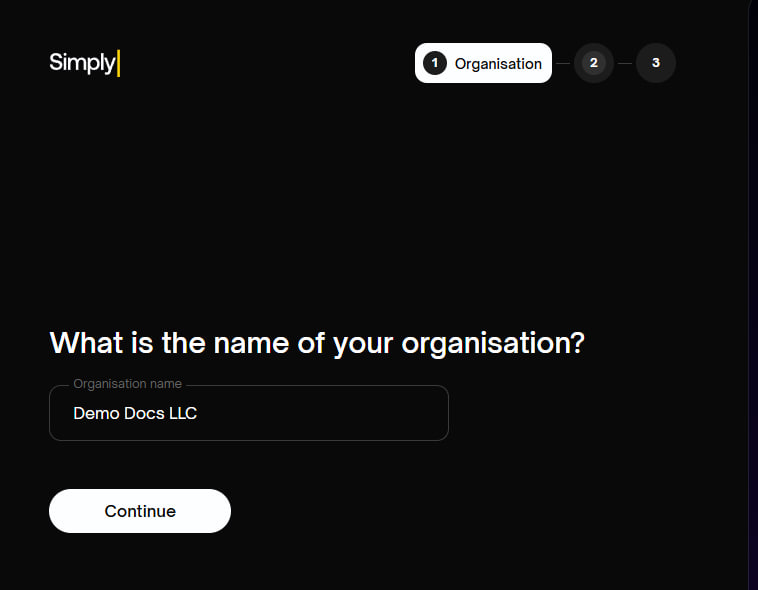
After signing in, Simply will guide you through a short onboarding flow. First, you'll be asked to enter the name of your organisation.
Connect your calendar
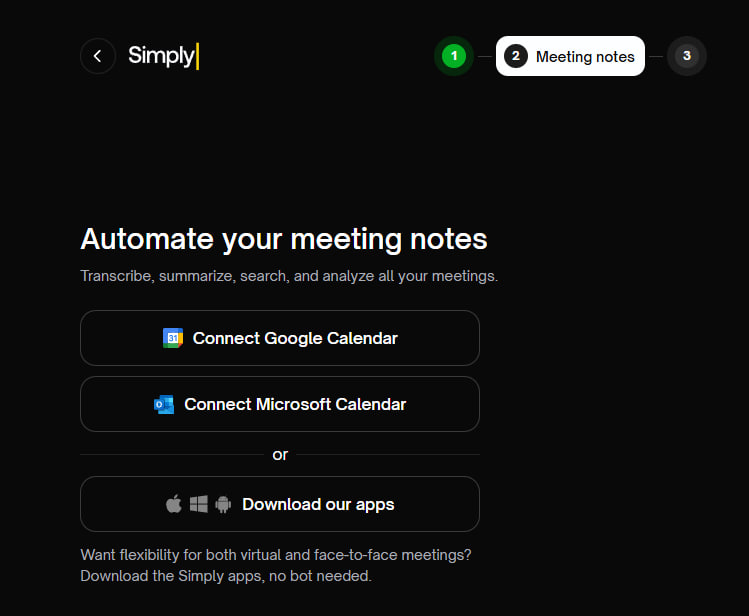
Next, connect your Google or Microsoft calendar. This enables Simply's meeting bots - AI assistants that can automatically join your meetings to record and transcribe them.
Don't worry about the details just yet - you'll be able to fine-tune the rules for when meeting bots join (or don't join) your meetings later in Settings.
Prefer to record in-person meetings too? You can also download the Simply apps for Apple, Windows, and Android instead.
Explore your dashboard
That's it - you're in! Once onboarding is complete, you'll land on your Recordings dashboard.
You'll find three demo conversations waiting for you. Feel free to click around on these to get a feel for how Simply processes and presents your recordings.
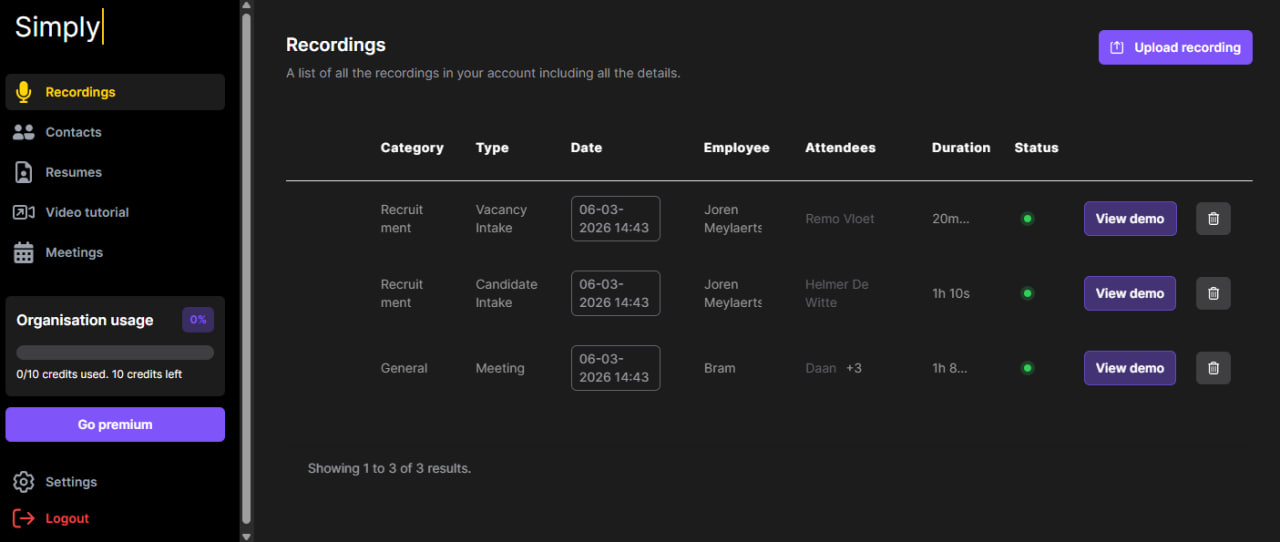
From here, you're ready to start using Simply. It's really that easy.